

Download aCalendar Calendar Tasks – calendar, tasks, Android, free, Google Calendar, Facebook, reminders, sync, widgets, themes, customization, events, birthdays, sync, day, week, month, view, customization, colors, repetition patterns, navigation, touch, tutorial, pictures, birthdays, sync
Overview
Key Features & Capabilities
- Calendar Syncing: Automatically imports data from Google Calendar and Facebook, ensuring all events and birthdays are up to date without manual input.
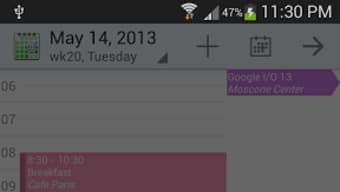
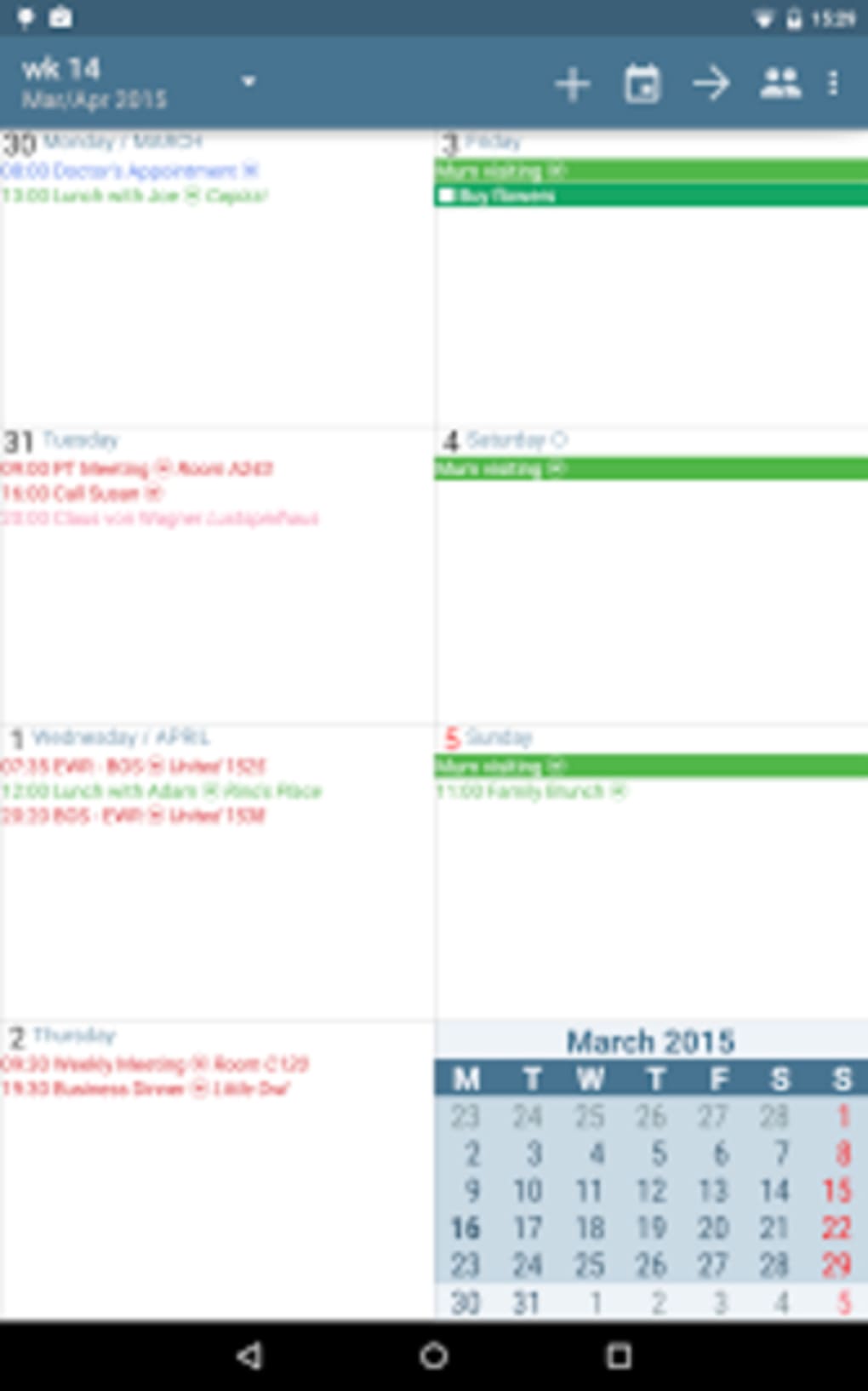
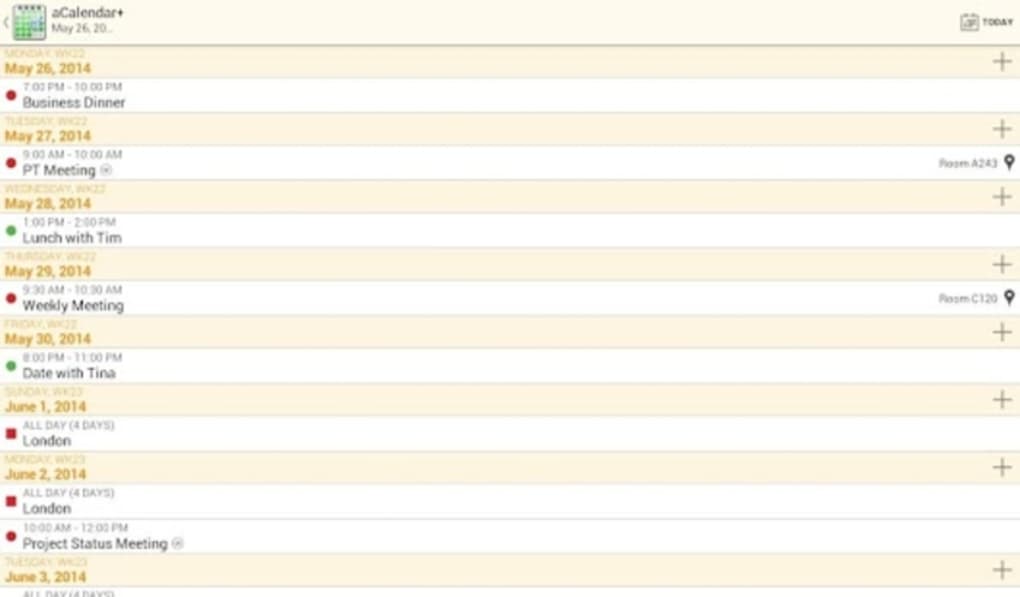
- Customizable Views: Offers day, week, and month views with full control over displayed elements, including hour markings, week numbers, and color-coding for Sundays.
- Flexible Event Management: Supports complex repetition patterns, such as recurring events every 1.5 months, allowing users to tailor schedules to non-standard routines.
- Visual Customization: Enables users to assign different colors to calendars and events, improving visual clarity and organization.
- Reminders & Notifications: Allows personalized reminder settings, including custom intervals and unique recurrence rules.
- Interactive Widgets: Provides customizable home screen widgets for quick access to upcoming events and calendar views.
- Theme Support: Includes multiple design themes to match personal preferences and device aesthetics.
- Birthday Enhancements: Displays profile pictures of Facebook friends on their birthdays, adding a personal touch to event tracking.
- Touch-Based Navigation: Fully optimized for touch interaction, with intuitive gestures for switching between views and managing events.
- Onboarding Tutorial: Includes a brief tutorial to help new users understand core functionality and maximize app potential.
User Interface, Workflow & Performance
The user interface of aCalendar Calendar Tasks is designed around touch-based interaction, prioritizing simplicity and responsiveness. Navigation between day, week, and month views is smooth and intuitive, relying on swipe gestures and long-press actions for event management. The layout is clean and well-organized, with clearly labeled sections and consistent visual hierarchy. Users can easily access settings, calendar layers, and event details through a streamlined menu system. Workflow efficiency is enhanced by the app’s ability to display multiple calendars simultaneously while allowing selective visibility, reducing clutter and improving focus. The interface supports customization of display elements such as hour markers, week numbers, and color schemes, enabling users to tailor the experience to their preferences. While the developer did not specify resource usage details, the application’s 30.5 MB installation size suggests it is lightweight and optimized for mobile environments. Performance observations are based on general software behavior patterns, indicating stable operation under normal usage conditions. The app appears to maintain responsiveness during view transitions and event edits. Stability is expected to be high, given the absence of reported crashes or errors in the provided description.Compatibility & System Requirements
aCalendar Calendar Tasks is designed for Android operating systems. The application is compatible with devices running the latest Android versions, though specific version requirements were not listed. The installation size is 30.5 MB, which is relatively small and suitable for most Android devices. The developer did not provide additional system requirements, such as minimum RAM or CPU specifications. Compatibility information was partially provided, indicating that the app is intended for Android platforms. Users should ensure their device meets general Android standards for app installation and performance. No information was given about support for tablets or other form factors. The app likely supports both smartphones and tablets due to its touch-based interface and adaptive layout, but this was not confirmed in the input.Pros and Cons
Pros
- Seamless sync with Google Calendar and Facebook
- Highly customizable views and event displays
- Supports complex repetition patterns for recurring events
- Intuitive touch-based navigation and gestures
- Multiple themes and visual customization options
- Includes helpful widgets for home screen access
- Displays profile pictures for Facebook birthday reminders
- Free version available with robust functionality
- Comprehensive onboarding tutorial for new users
- Lightweight installation size (30.5 MB)
Cons
- Price of $3.99 may be considered high for a calendar app
- No information on system requirements or hardware compatibility
- Free version limitations not specified
- Performance under heavy usage not documented
- Offline functionality details not provided
- Updates frequency not mentioned
- No third-party integration beyond Google Calendar and Facebook
- Developer background not available for trust assessment
FAQ Section
Is aCalendar compatible with all Android devices?
The app is designed for Android, but exact compatibility details were not specified. Users should ensure their device meets general Android app requirements.
Is the app safe to download and use?
As aCalendar is available through official Android channels, it is considered secure. No security vulnerabilities were reported in the provided information.
Can I use aCalendar offline?
While the app supports sync with online services, details about offline functionality were not provided. It may function without internet access for viewing stored events.
What kind of license does aCalendar have?
The app is available in both free and paid versions. The paid version costs $3.99, but specific licensing terms were not disclosed.
How often are updates released?
Update frequency was not mentioned. Users are advised to check the app store for the latest version.





.png)

